Register with Saavo
Create and verify your Saavo account to purchase a template, authorize the CLI, and access available templates.
Create a Saavo account before creating a project. You will use this account to purchase Saavo Starter, access your account page, and authorize Saavo CLI to find and download the templates you are entitled to use.
Create an account
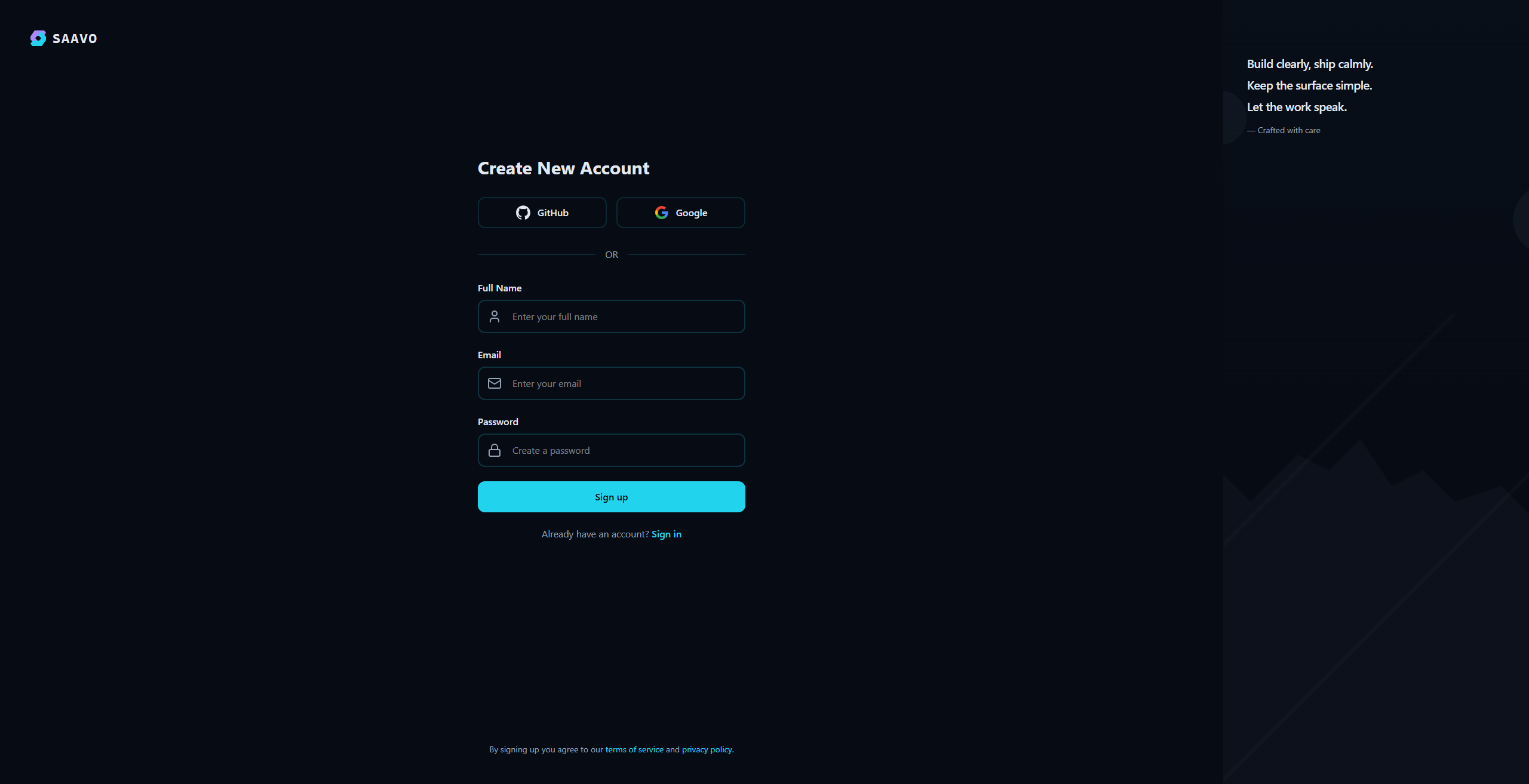
Open the Saavo sign-up page and choose one of these options:
- Continue with your GitHub account
- Continue with your Google account
- Enter your name, email address, and password
For email and password sign-up, your password must contain at least 8 characters. If a security check appears, complete it before submitting the form.
Verify your email address
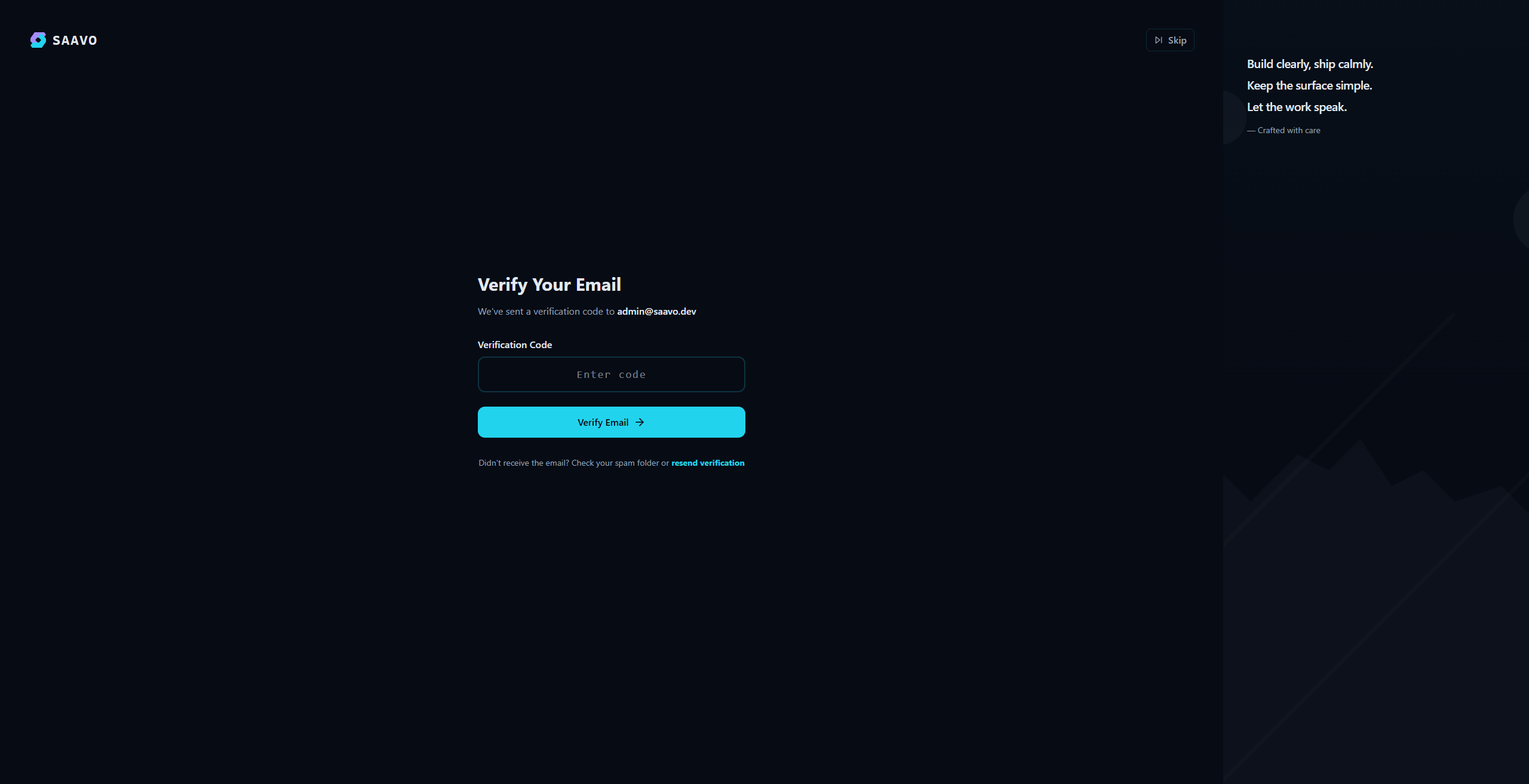
After signing up with an email address and password, follow the on-screen instructions to find Saavo's verification email and verify your address. If the email does not arrive, check your spam folder, then return to the verification page to resend it.
Signing up with GitHub or Google uses the identity information provided by that account. You will return to Saavo automatically after authorizing access.
Purchase the product
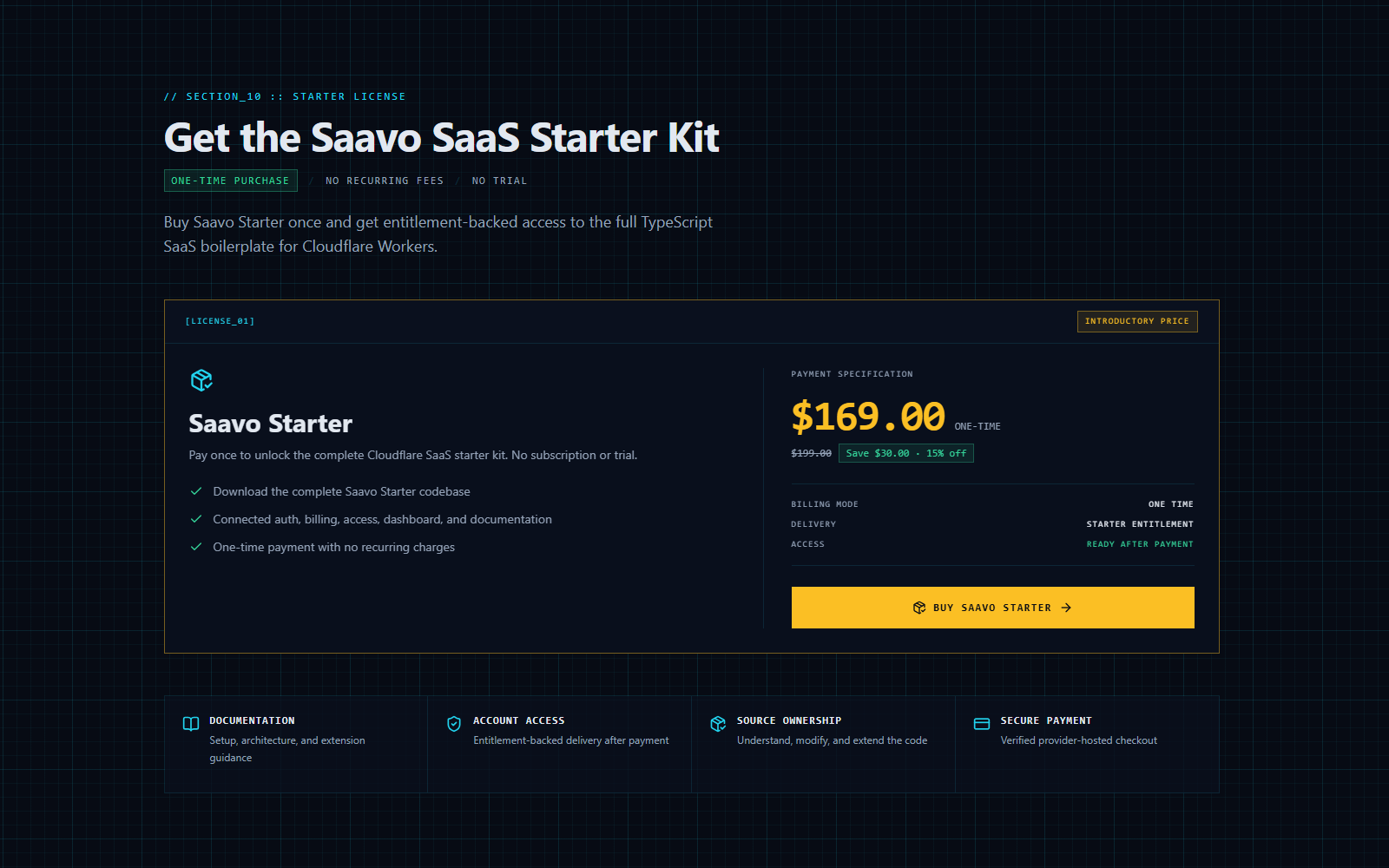
Saavo Starter is a one-time digital purchase that includes the complete project template and source code. It is not a subscription, has no monthly or annual renewal charges, and does not offer a trial. Prices and offers may change. Check the current details in the Saavo Starter purchase section.
Before you purchase
- Sign in with the account you will later use to authorize Saavo CLI. Your purchase record and download entitlement belong to this account, and you cannot transfer them to another account yourself.
- Check the currency shown on the purchase page. If your card is billed in a different currency, your card issuer determines the exchange rate and any fees.
- Have a payment method accepted by the checkout page ready. The checkout page shows the available card types and other methods. Follow your card issuer's instructions if a verification code or confirmation in a banking app is required.
- This digital product provides access after payment. Purchases are nonrefundable unless otherwise required by law or agreed to by Saavo in exceptional circumstances. See the Terms of Service for details.
If you need documentation for reimbursement or tax purposes, we recommend contacting support before purchasing to confirm the payment recipient, document type, and required billing information. A receipt or invoice issued by the payment provider may not meet the tax documentation requirements in your country or region.
Purchase steps
- Sign in to Saavo and open the Saavo Starter purchase section on the homepage.
- Check the product name, one-time payment amount, and any offers shown on the page.
- Click "Buy Saavo Starter" to open the payment provider's hosted checkout page.
- Enter your payment details and complete any verification required by the payment provider or card issuer.
- After paying, wait for the page to return to Saavo. Do not submit another payment while the result is still unconfirmed.
After a successful payment, open your account page. Saavo Starter should appear under "My Products." Once the system confirms payment and grants the entitlement, the purchase button on the homepage will also change to a link for viewing the product.

Charged, but the product is missing from your account
Do not pay again. Wait a few minutes, then refresh your account page. If the product still does not appear, contact support with your registered email address, payment time, and the payment provider's transaction ID. If you paid by card, do not send the full card number, expiration date, or security code.
Common payment issues
- The checkout page will not open: Disable browser extensions that block pop-ups or scripts, refresh the purchase page, and try again.
- Payment declined: Check that your payment method supports online transactions and has sufficient available funds or credit. Complete any security verification required by your card issuer. Ask the card issuer or payment provider for the specific reason for the decline.
- The amount differs from what you expected: Stop the payment and return to the purchase page to check the plan, offer, and currency. The final amount confirmed at checkout applies.
- Payment succeeded, but access was not granted: Do not purchase again. Contact support as described above to check the payment and account.
Account and template access
Signing up creates your Saavo account but does not automatically grant access to paid templates. Saavo CLI can list and download the templates available to your account only after the purchase is complete and the entitlement is active.
Authorize the CLI in your browser later
When you run Saavo CLI to create a project, it opens Saavo's authorization page. Sign in with the same account you registered here and approve access.