Cookie consent management
Configure cookie notices and third-party script loading rules, and keep privacy disclosures consistent with your website's actual behavior.
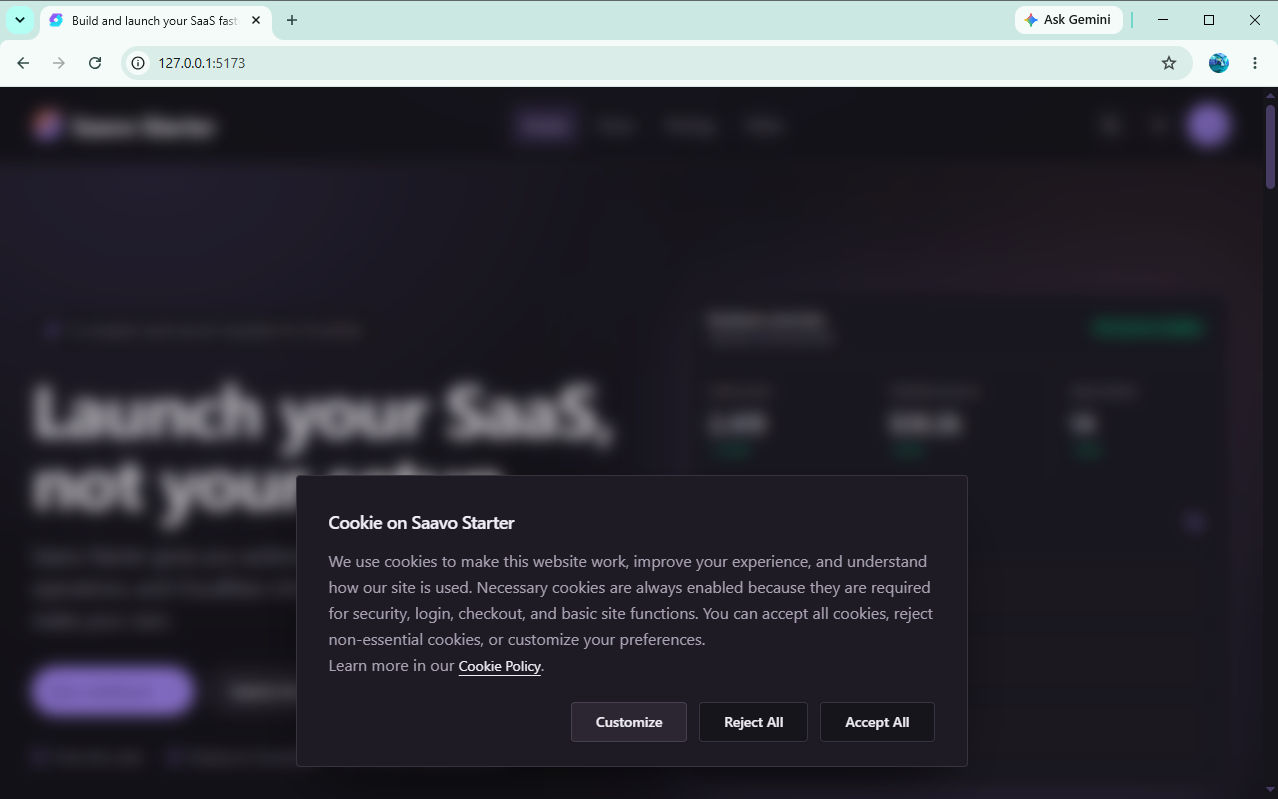
Saavo includes a cookie consent banner, category preferences, and a cookie policy page. This feature primarily controls whether third-party analytics and advertising scripts load. It does not automatically manage every cookie or local storage entry the website uses.
Configuration is in config/cookie-consent.ts. The project defaults to silent mode, with all required third-party service settings empty. Initially, no banner appears and no third-party scripts such as Google Analytics or AdSense load.
Operating modes
| Mode | Shows a banner | Third-party script behavior |
|---|---|---|
silent | No | Immediately loads enabled third-party scripts with complete configurations |
prompt | Yes | Loads scripts only after the user consents to the corresponding category |
disabled | No | Shows no consent interface and loads no third-party scripts through this feature |
silent simply loads scripts without asking. It does not mean the website has obtained user consent. For regions that require prior consent, you should use prompt as appropriate for your business and applicable regulations, and have a professional review your privacy and cookie disclosures.
This switch does not control first-party analytics
The project's /js/analytics.js and /api/analytics/collect belong to first-party analytics and are not controlled by the third-party analytics category here. Even if users reject third-party analytics scripts, collection requests may still occur while first-party analytics is enabled. See Analytics.
Configure cookie categories and third-party services
The default configuration includes these categories:
necessary: Essential cookies for sign-in, security, and checkout. Always enabled and cannot be disabled.functionality: Functional preferences, such as theme settings.analytics: Third-party analytics services such as Google Analytics, Clarity, Umami, Plausible, and PostHog.marketing: Marketing services such as Google AdSense.
Third-party services load only when both conditions are met:
- The corresponding entry is enabled in
config/cookie-consent.ts. - Its configuration in
config/analytics.tsorconfig/ads.tsis complete.
For example, setting the Google Analytics entry to enabled: true without a Measurement ID does not load its script. In prompt mode, third-party entries without available scripts also do not participate in script loading as actionable options.
Do not bypass this configuration by inserting a third-party <script> directly into a component. Such scripts are not controlled by user choices, and the banner's disclosures will no longer match the actual behavior.
Consent records and versions
User choices are stored in the cookie_consent cookie for 365 days. The record includes:
- The policy version,
policyVersion. - The configuration version,
configVersion. - Choices for each category and entry.
- Consent status and creation, update, and expiration times.
Increment policyVersion when changing the policy text. Increment configVersion when changing categories, entries, or defaults. If either version differs from the stored record, that record becomes invalid. In prompt mode, users must choose again.
mode: 'prompt',
policyVersion: '1.1.0',
configVersion: '1.1.0',
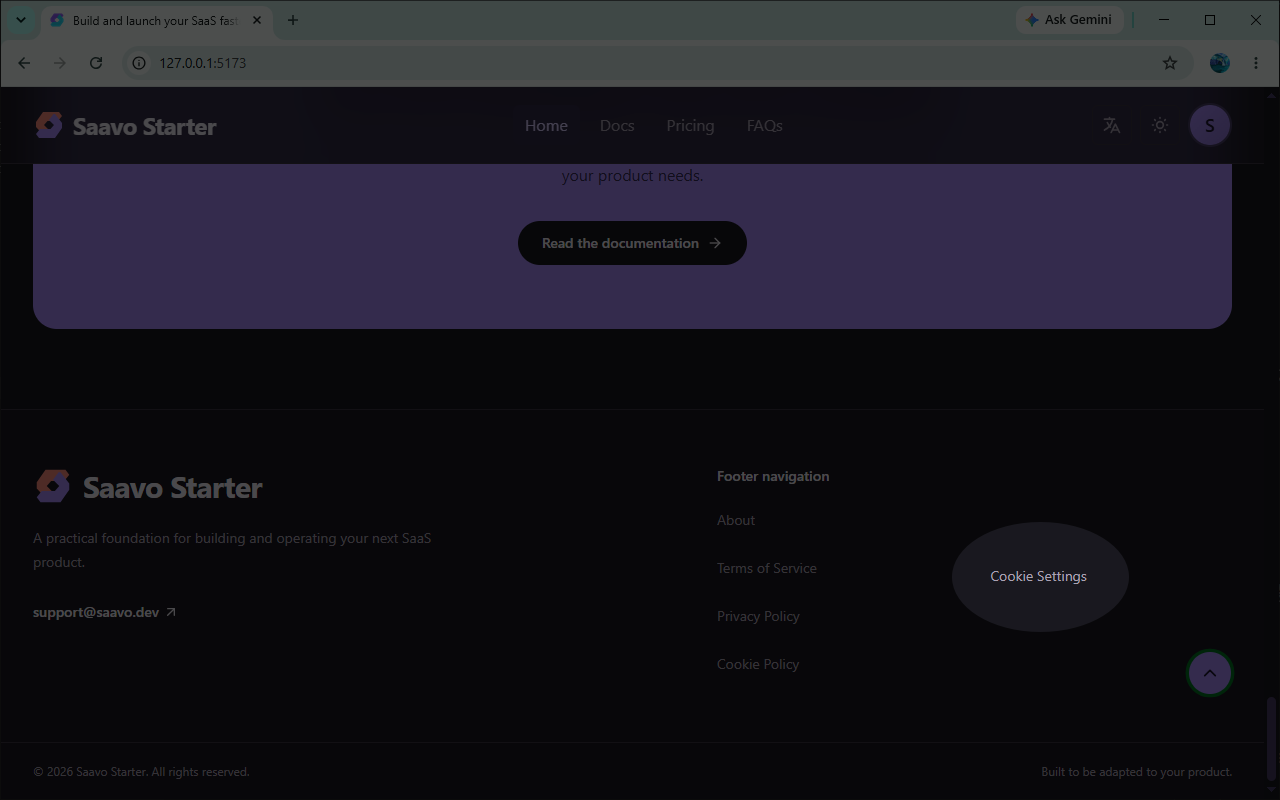
When users first make a choice, the page loads the permitted scripts accordingly. If they later change existing preferences, the page reloads to reapply script loading rules. Only prompt mode provides a footer link to reopen cookie settings.
Functional preferences not currently managed
functionality.theme displays and records a theme preference, but it is not yet connected to theme storage logic. The website independently saves its theme in localStorage under saas-theme. Disabling this preference does not stop theme reads or writes.
If your product requires this option to control theme persistence, you need to change the theme initialization and switching logic. Changing only the consent configuration or text cannot change actual storage behavior.
Likewise, whenever you add a cookie, local storage entry, or third-party script, first identify which code writes it. Then decide whether and how to include it in consent management.
Update the cookie policy
/cookies is the user-facing cookie policy page. The template contains example content. Before launch, you must rewrite it for your actual site and keep it consistent with config/cookie-consent.ts. At a minimum, explain:
- The essential cookies the website actually uses and their purposes.
- Enabled third-party services, collection purposes, and retention periods.
- The scope of first-party analytics collection.
- How users can change or withdraw their choices.
- The policy's effective date and contact information.
Do not update only the banner while keeping the example policy, or list services in the policy that the website has not actually enabled.
Pre-launch checks
-
silent,prompt, ordisabledis selected based on the target market. -
/cookiesmatches the cookies, storage entries, and third-party scripts the website actually uses. - Unused analytics and advertising service configurations remain empty.
- Accept, reject, and customize actions have all been tested in
promptmode. - Controlled third-party analytics and advertising scripts do not load after rejection.
- Notice or consent requirements for first-party analytics have been assessed separately.
- The corresponding version has been incremented after policy or category changes.
- Documented functional preferences are connected to the relevant features. Recording a preference is not described as preventing storage.
Frequently asked questions
Next steps
- Configure first-party and third-party analytics: Analytics
- See how a real product handles branding and privacy content: WebpageToPDF tutorial
- Check sign-in and payment flows: Authentication and accounts, Payments and plans